

Key Takeaways
Why a Shopping Calendar Works
Retail pricing is not random. Inventory cycles, model-year changeovers, and promotional calendars create predictable low-price windows for most major product categories. Shoppers who understand these patterns and plan purchases around them consistently pay less than those who buy reactively - not because they're hunting harder, but because they're buying at the right moment.
The mechanics are straightforward: when a store needs to clear inventory to make room for new stock, prices drop. When promotional events draw high traffic, retailers use loss leaders. When seasonal demand peaks, prices rise. A personal shopping calendar simply maps your needs onto the periods when prices naturally move in your favor.
This approach also counters one of the most expensive shopping habits: impulse buying triggered by retailer tactics. Knowing what you plan to buy - and when - makes unplanned purchases easier to defer. For more on the psychological side of that dynamic, see impulse spending traps and how to counter them.
Spreadsheet (Google Sheets or Excel)
Track planned purchases, target price windows, and actual purchase dates in one organized view.
Calendar App
Set reminders 2-4 weeks before each known discount window so you can comparison-shop in advance.
Price-History Browser Extension
Verify that a sale price is genuinely lower than the item's historical average before purchasing.
Cashback Portal Account
Layer cashback earnings on top of timed discounts when buying online.
How to Build Your Calendar
The process is straightforward once you have your materials ready.
What you will need
List Every Planned Purchase for the Next 12 Months
Start by writing down everything you reasonably expect to buy over the coming year - appliances, clothing, auto parts, garden supplies, electronics, and any category-specific items relevant to your household. Don't filter yet; just get it on paper.
Include both certain purchases (a winter coat, new tires before snow season) and likely ones (a laptop that's aging, a lawn mower that skipped last season). The more complete your list, the more useful your calendar becomes.
Separate Deferrable Purchases From Time-Sensitive Ones
Go through your list and mark each item as either flexible (you can wait weeks or months) or fixed (you need it by a specific date). Flexible items are your calendar opportunities. Fixed items should still be timed as well as possible, but you have less room to maneuver.
For fixed purchases, identify your hard deadline and work backward to find the best price window you can still hit. For flexible items, your target is simply the category's lowest historical price period.
Research the Typical Discount Windows for Each Category
Each major product category has recurring markdown patterns tied to inventory cycles, model-year changeovers, and retail promotional calendars. A few well-established examples:
- Major appliances: Labor Day, Memorial Day, and the period just after new models ship (typically fall)
- Electronics and TVs: November sales events, January post-holiday clearance
- Outdoor and garden: Late summer and early fall as seasonal inventory clears
- Clothing: End-of-season clearance - late January and late July are historically reliable
- Auto parts and tires: Spring and fall tend to see promotional pricing around seasonal changeovers
For a structured overview of these cycles, see timing your purchases around seasonal price cycles.
Plot Each Purchase Against Its Best Price Window on a Calendar
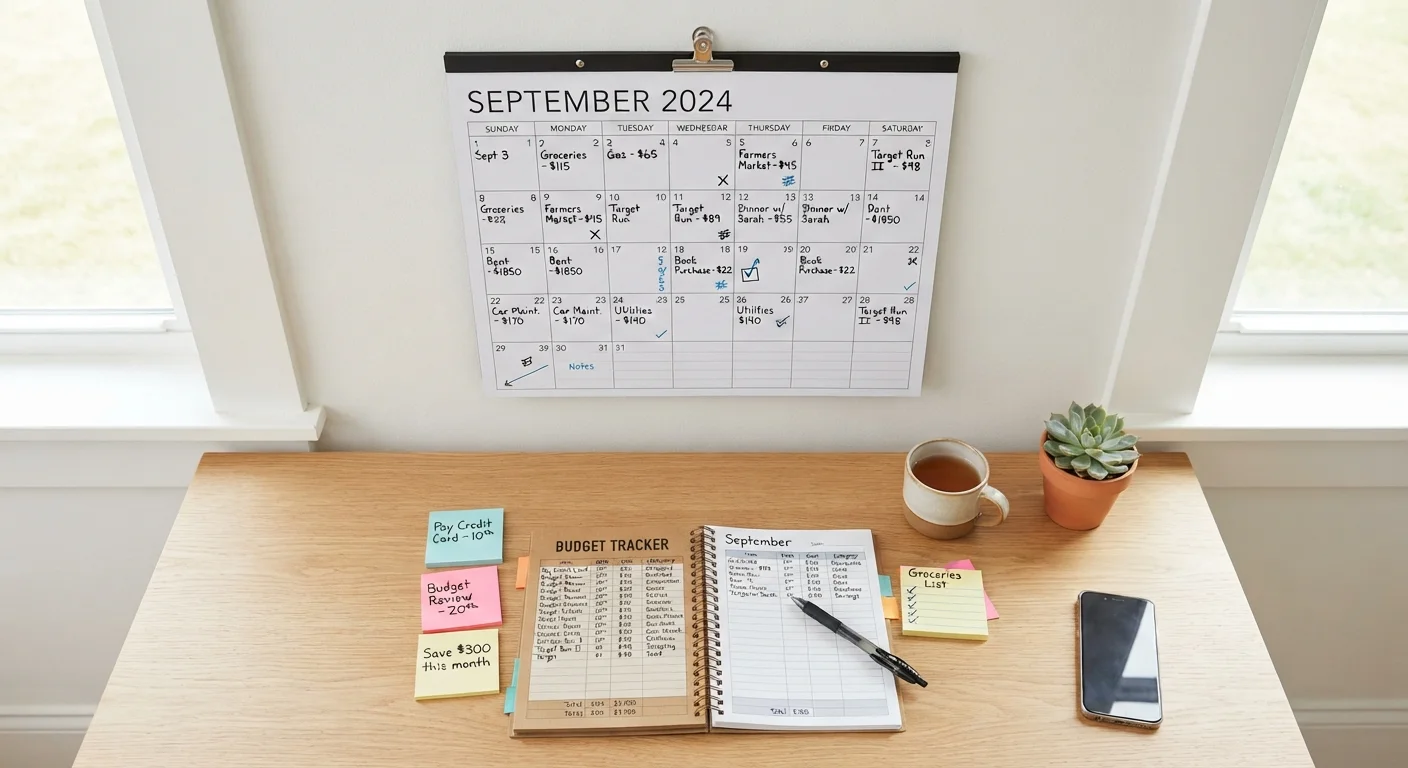
Open your calendar tool and create an entry for each planned purchase during its target discount window. Add a reminder 3-4 weeks before that window opens so you have time to research specific options, compare sellers, and check price history before committing.
If two or more items land in the same month, flag that month in your budget so you've set aside enough cash - a calendar is only useful if your finances are ready when the window arrives. The Budgeting Basics hub has practical frameworks for building that buffer.
Set a Price Target for Each Item Before the Window Opens
Before a discount window arrives, decide on a specific price threshold that makes a purchase worthwhile - not just 'a discount,' but a concrete number. Use price-history data to identify where the item has historically landed at its lowest. If the price hits your target during the window, buy. If it doesn't, decide in advance whether you'll wait for the next cycle or buy at the available price anyway.
Having a pre-set target prevents you from rationalizing a mediocre deal as good enough just because you're in 'shopping mode.' This discipline is what separates a timing strategy from ordinary shopping.
Review and Update Your Calendar Quarterly
Priorities shift. New needs emerge, old ones become irrelevant. Set a recurring quarterly review - 15 minutes is enough - to add new items, remove purchases you've made or decided against, and update any timing based on what you've learned. A shopping calendar that isn't maintained loses its usefulness quickly.
Also track what you actually paid versus your target price. Over time, this record tells you which categories and windows reliably deliver and which are inconsistent - letting you refine future planning. For a broader savings planning structure, a month-by-month savings calendar can complement this approach.
Stack Timing With Cashback for Maximum Effect
Once you know your purchase window, check cashback portals and credit card reward categories ahead of time to see whether you can layer additional savings on top. Even a few percentage points back on a large purchase adds up meaningfully. See our comprehensive budget shopping guide for category-specific stacking tactics.
Price History Matters - Don't Trust 'Sale' Labels Alone
Retailers sometimes inflate reference prices before marking items down, making a discount look larger than it is. Use a browser extension that tracks price history (many free options exist) to verify that a sale price genuinely represents a low point before you commit. A 'sale' price that has been the everyday price for months is not a real discount.
Don't Wait If the Need Is Urgent
A shopping calendar works best for planned, deferrable purchases. If an appliance fails, a vehicle needs an urgent repair, or a safety item is required immediately, buy it - waiting for a sale cycle is not worth the risk or disruption. This framework is a tool for discretionary and foreseeable spending, not a rule that overrides practical necessity.
Before committing to any major timed purchase, it's also worth running through a structured pre-buy review. Our pre-buy checklist for large purchases walks through the timing considerations worth weighing before you spend. For a broader framework that ties your shopping calendar into overall spending habits, the Budget Buying Strategies hub is a useful next stop.